How notifications work
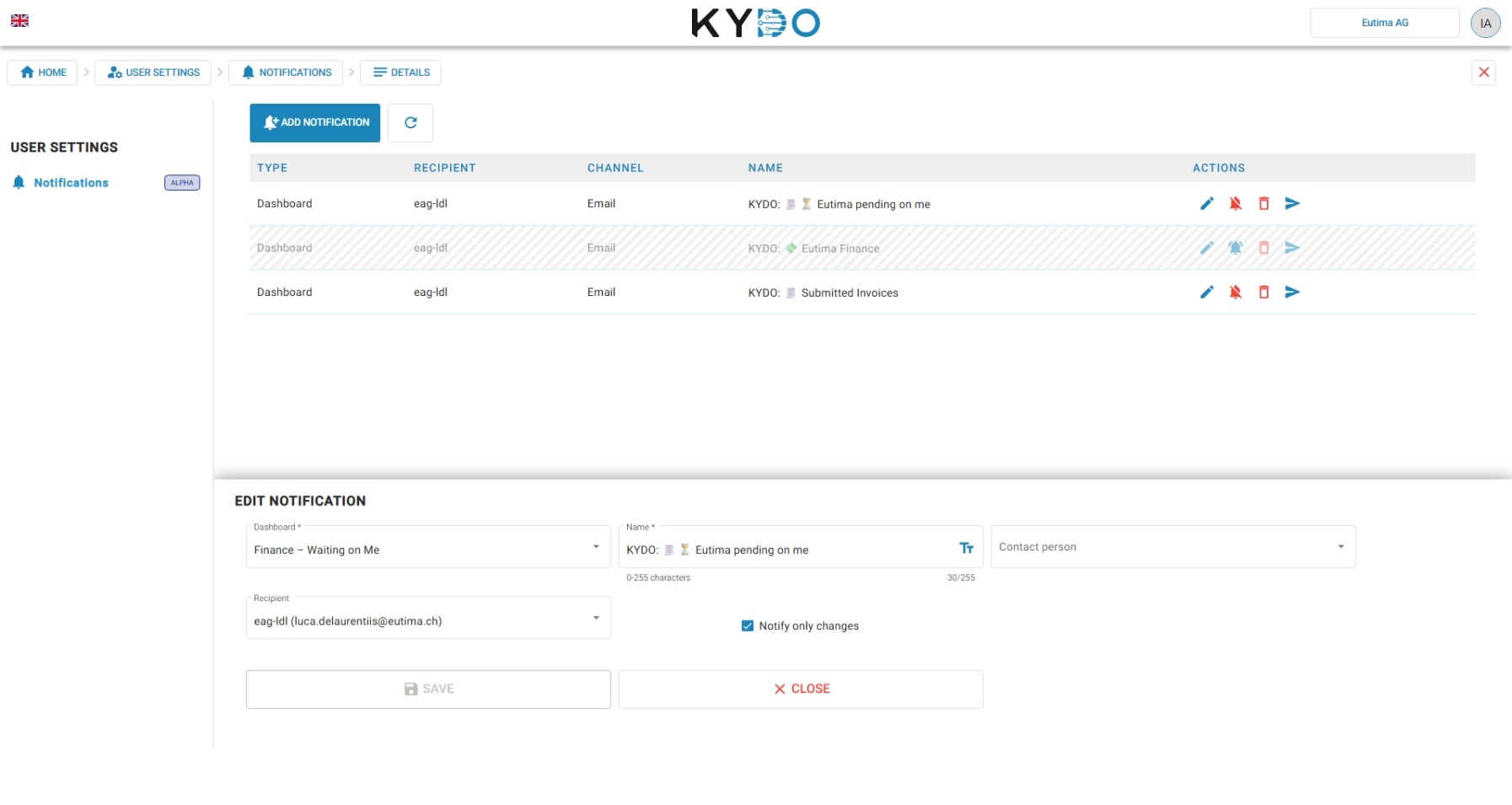
Notifications in KYDO are tied to dashboards. Each morning, KYDO sends you the content of a selected dashboard by email. This gives you a daily overview of what needs your attention.
Additional notification types and channels are planned for future releases.
Configuring your notifications
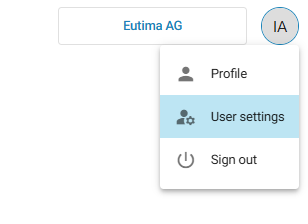
Click your initials in the top-right corner and select User settings.
Open the Notifications section. From here you can add, edit, and delete notifications. Each notification is tied to a dashboard — KYDO sends you that dashboard's content by email every morning.
For administrators
Administrators can create dashboards and set up notifications for themselves and for other users in the organisation.
To configure notifications for a user:
- Go to Administration and open the user's account.
- Open the Notifications section.
- Select the dashboard to send to that user each morning.