Overview
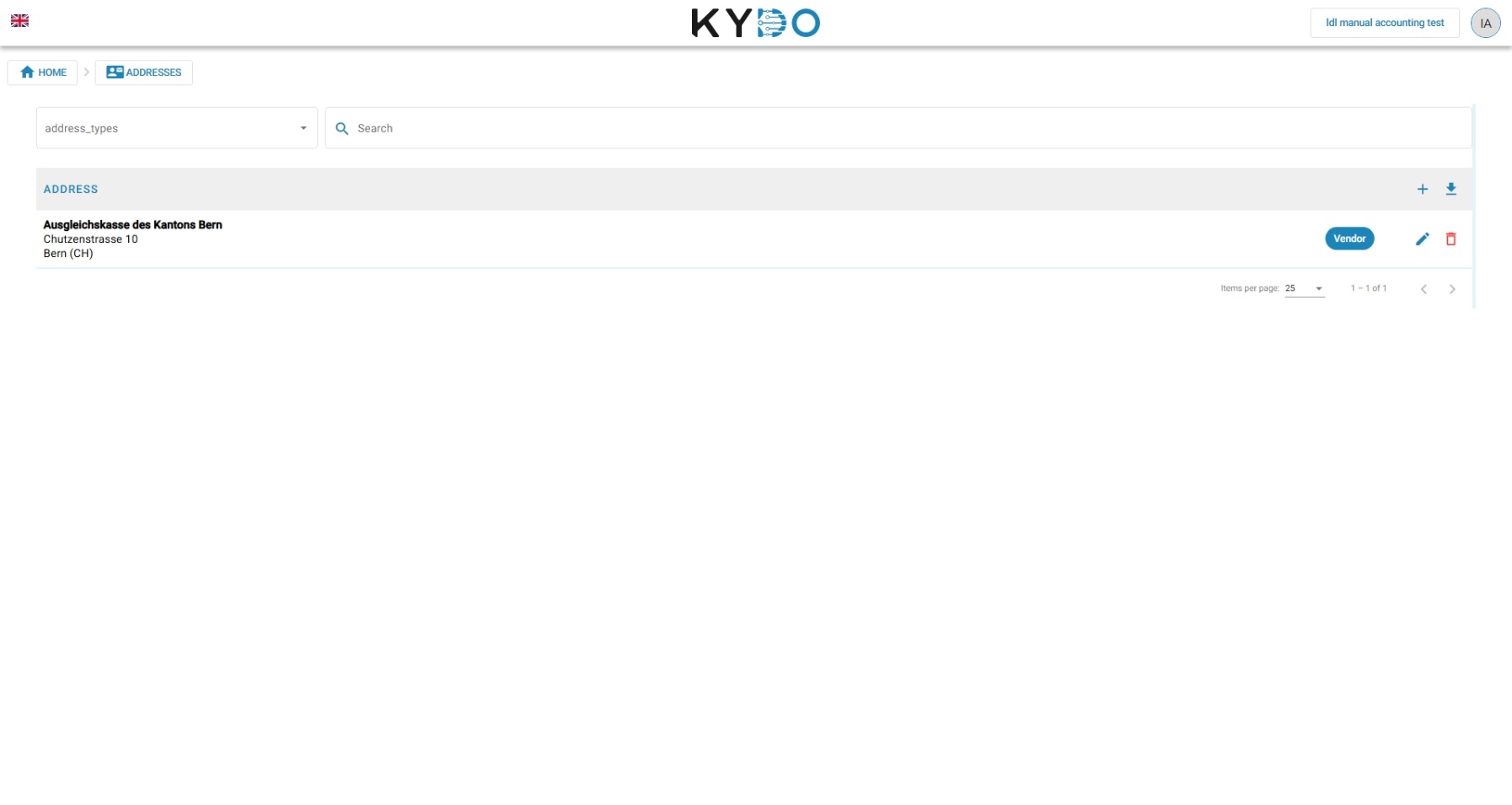
The Address Book lets you store contact addresses and reuse them when filling in document attributes. It is available to all document types, not just accounting documents.
Using addresses in documents
To use Address Book lookups on a document, the document type must first be configured with an address attribute. Once set up, you can look up and select an address from the Address Book when filling in document attributes, instead of entering the details manually.
→ See Doc Type Configuration
Integration with the Accounting module
The Accounting module uses the Address Book to store supplier and contact addresses linked to your expenses.
When a document with a QR code is parsed, KYDO automatically extracts the address from the QR code and adds it to the Address Book if it is not already present.
Editing addresses inline
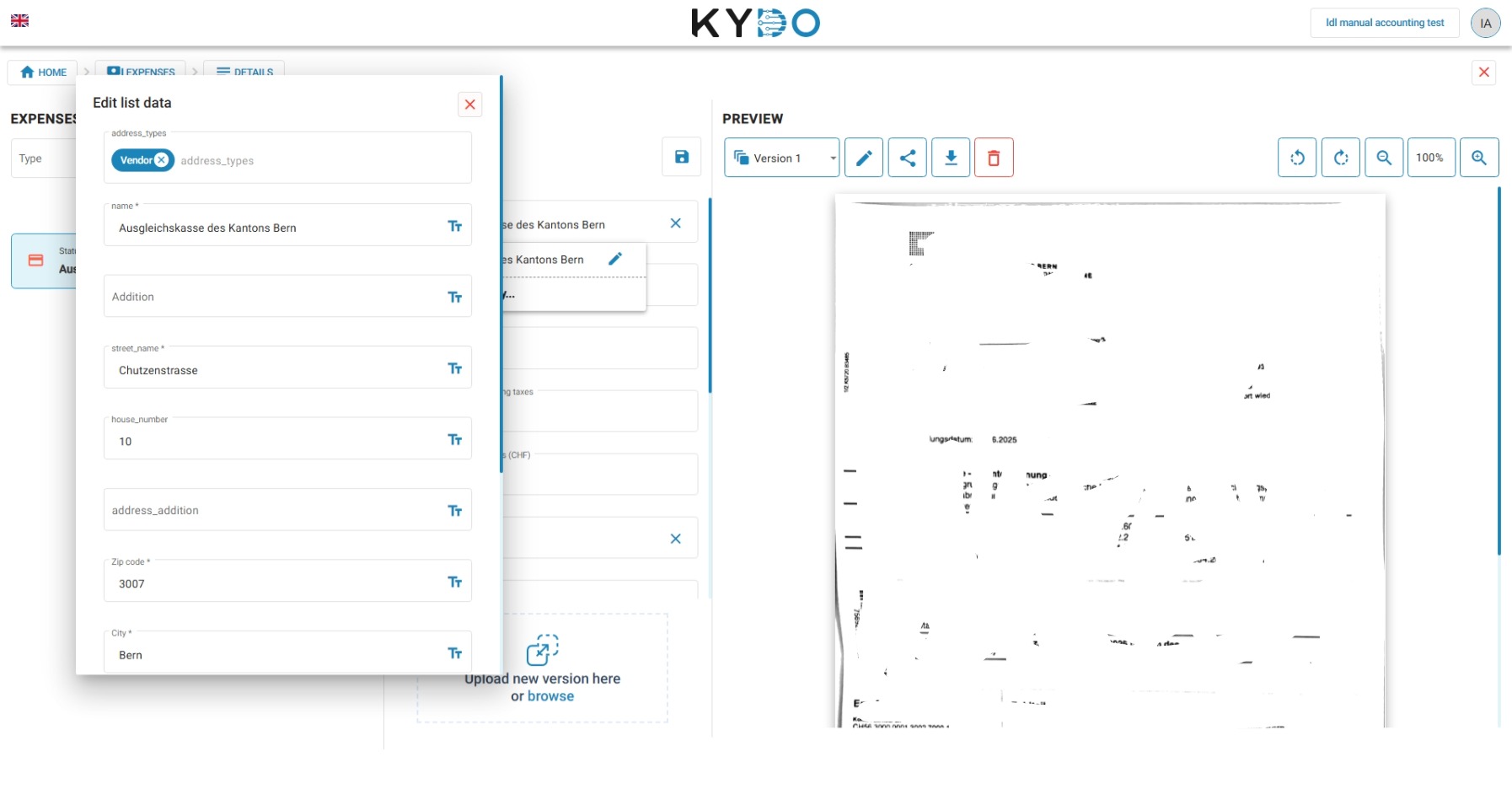
You can create or edit an address directly from within a document — without leaving your current view. When filling in an address attribute on any document (in the archive or the Expenses archive), click the edit icon next to the selected address to open the address editor as an overlay.
This keeps your workflow uninterrupted: correct or complete an address on the spot and return immediately to the document you were processing.