Accessing your profile
Click on your profile picture in the top-right corner of the page. In the dropdown menu that appears, click Profile.
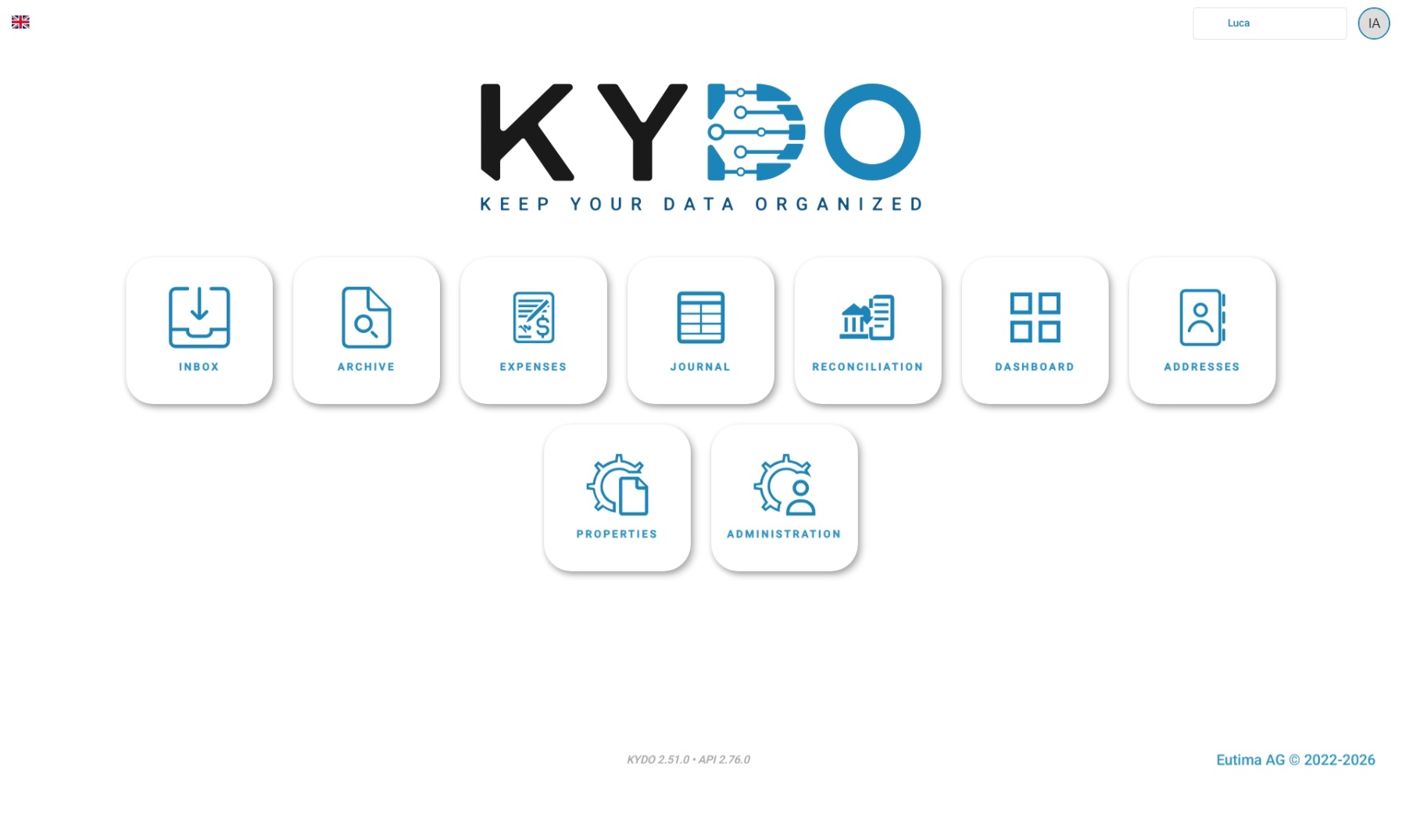
This opens your account settings where you can update your password and manage two-factor authentication.
Changing your password
If you know your current password, you can change it directly from your profile settings. Enter your current password, choose a new one, and save.
Forgot your password?
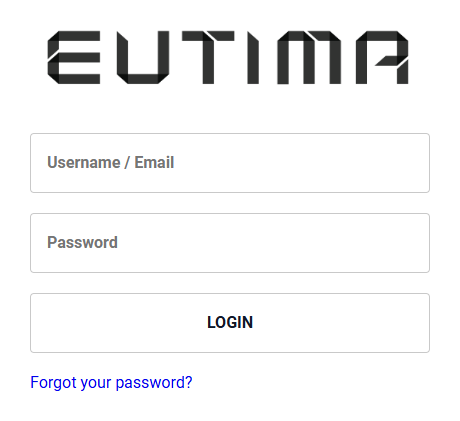
If you do not remember your password, go to the login page and click Forgot your password?. You will receive an email with a link to reset it.
Two-factor authentication
Your profile settings include a 2FA settings section. Follow the steps shown there to set up or manage two-factor authentication for your account.