What it does
When the AI Service is active, KYDO analyses incoming documents and extracts relevant data automatically. This means attributes are pre-filled when you file a document, significantly reducing manual input.
The feature is particularly useful in the accounting workflow, where it extracts values such as amounts, dates, and supplier information directly from invoices and receipts.
Activating the AI Service
The AI Service is a paid add-on. Contact us to activate it for your organisation.
Configuring the AI Service
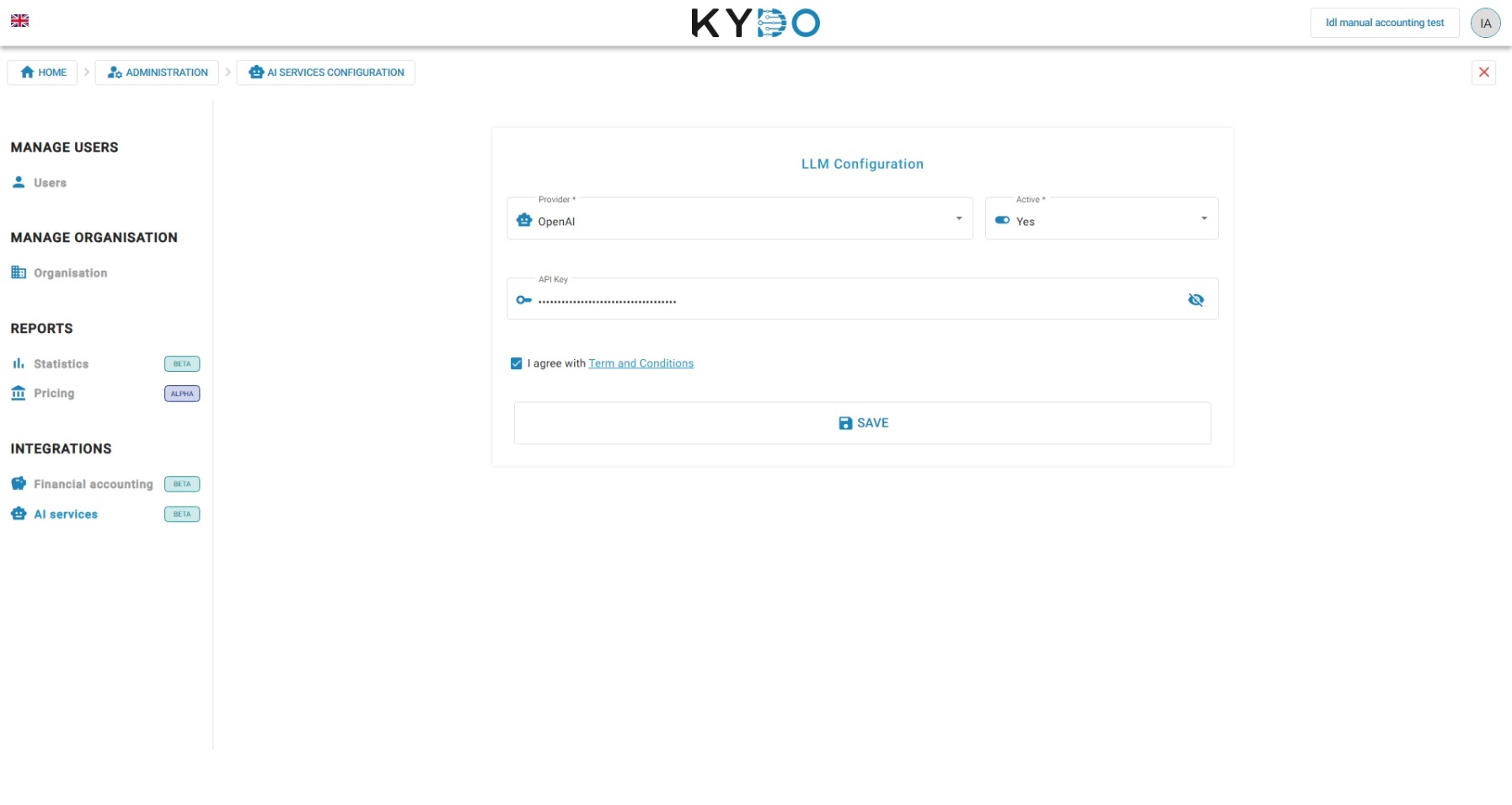
Once activated, administrators can configure the AI Service from Administration → AI Services.
Select your LLM provider. By default, KYDO uses its own shared API key, so you don't need to provide one. If you'd rather use your own key, turn on Use custom API key and enter it — once saved, the key is masked and can only be replaced, not viewed again. Set the service to Active, accept the terms and conditions, and click Save.