Web app
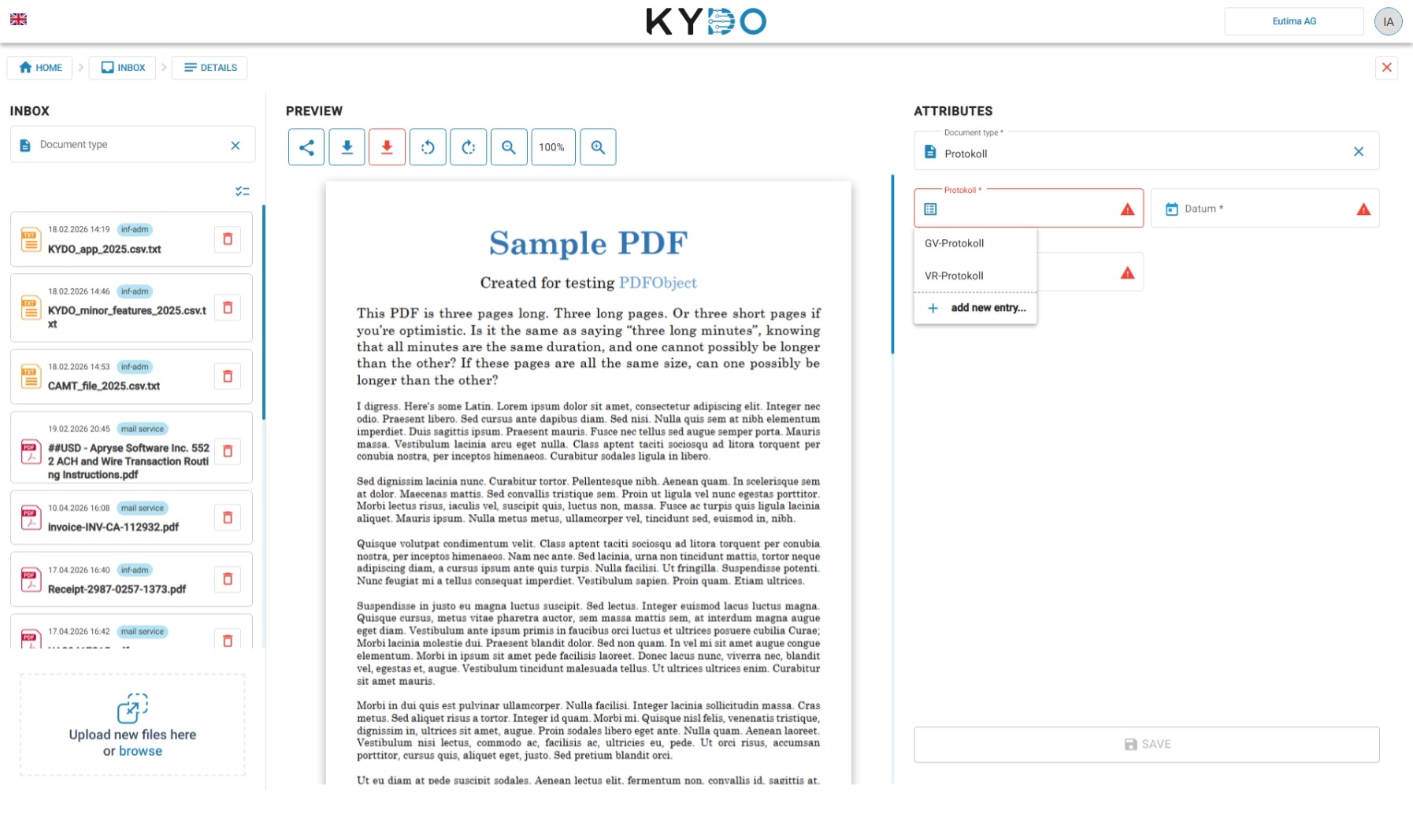
The Inbox includes a drag and drop area. Drag your files onto it, or click to select them from your device. Uploaded documents appear in the Inbox ready to be filed.
Mobile app
You can upload documents from your smartphone or tablet using the KYDO mobile app.
→ See Getting Started on Mobile
Mail import
You can send PDF documents to KYDO by email. An administrator can configure a dedicated email address with a custom prefix for your organisation. Any PDF sent to that address will arrive directly in the Inbox.
→ See Tenant Management for how to configure the mail prefix.
Print to KYDO
Print to KYDO is a virtual printer available on multiple platforms. Print any document directly to KYDO — it will ask you for the doc type and attributes, then send the document straight to the archive without going through the Inbox.
→ See Print to KYDO
API
For automated or high-volume uploads, the KYDO API lets you send documents programmatically.
→ See API Overview