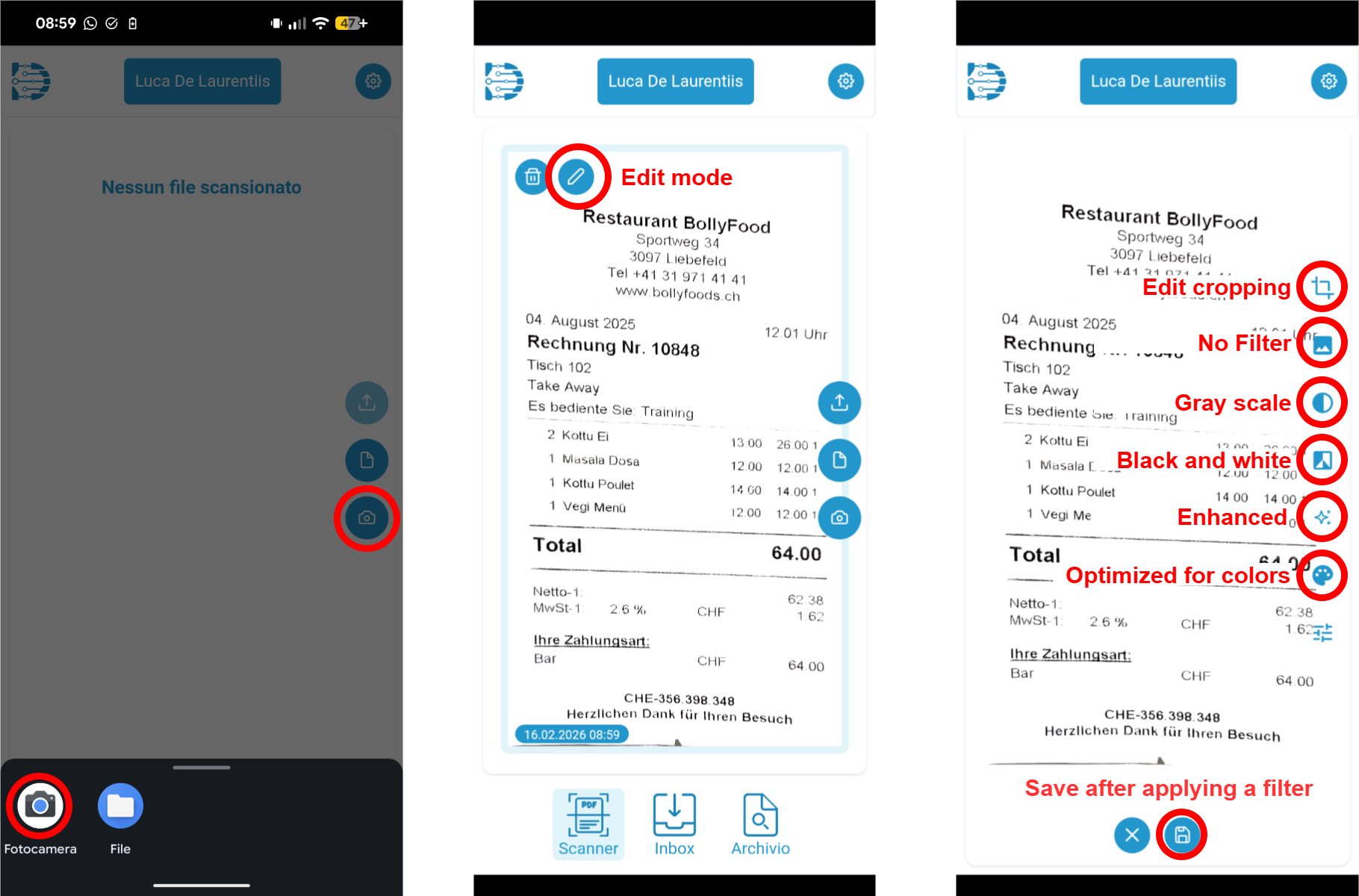
We use the native camera function to ensure the highest possible scan quality. That is why, on some devices, we have to perform multiple clicks to take a picture. We prioritize quality over usability, but we are working to provide both.
By default, we apply a filter to process the image, remove shadows from the background, and enhance the text. Sometimes, however, this filter does not work well. We recommend trying other filters manually. If no filter works, you can choose not to apply a filter, and the document will be uploaded as an image (converted to PDF).