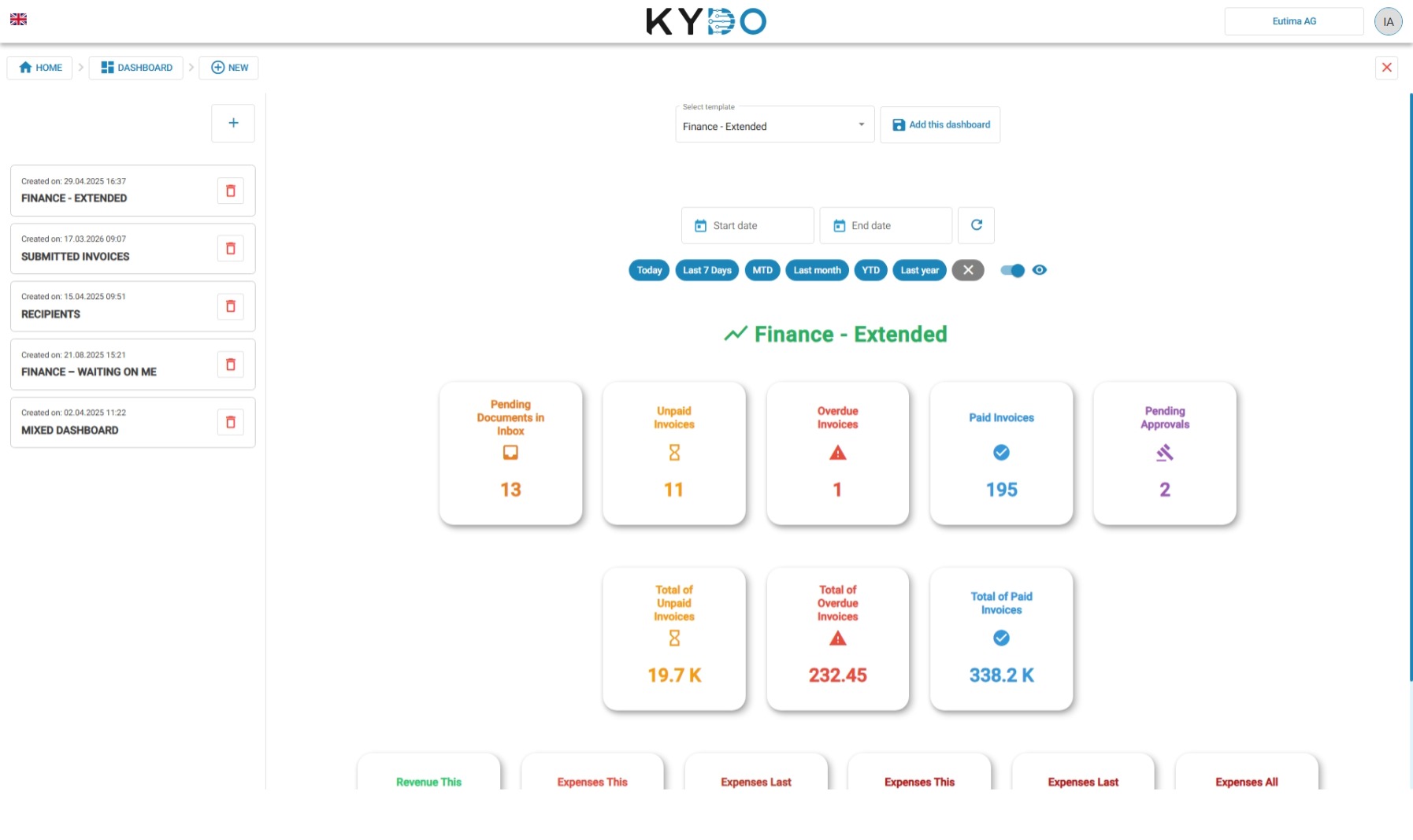
Adding a dashboard
Click the + button to add a new dashboard. You will be prompted to choose a template — each template comes pre-configured with a different scope and set of visualisations. Once added, the dashboard appears in the list and is visible to all users in your organisation.
KYDO offers a wide range of templates to cover common use cases. If you need something tailored to your organisation, contact us — we will implement a custom dashboard for you.
In a future release, it will be possible to define and configure dashboards directly within the application.