About this guide
This guide covers KYDO in full. What you can see and do in the application depends on your role — administrators and resellers have access to everything described here, while standard users and read-only users will see a more limited set of features and modules. If something described in this guide is not visible to you, it is likely restricted by your role or not included in your organisation's configuration.
Get a KYDO account
Before you can log in, you need a KYDO account.
- You have a reseller — contact them directly. They will set up your account and guide you through onboarding.
- You don't have a reseller — reach out to us: visit kydo.ch/kontakt, call us, or email info@eutima.ch.
Want to try KYDO first? We offer a free trial on our stage instance — no costs, no commitment. Contact us to get access.
Logging in
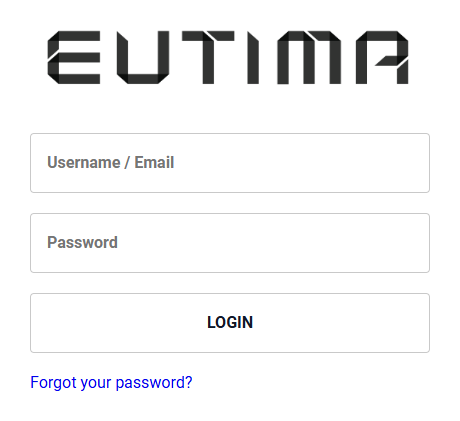
Navigate to web.kydo.ch and sign in with your email address or username and your password. New users receive a setup email from their administrator — follow the link to set your password before your first login.
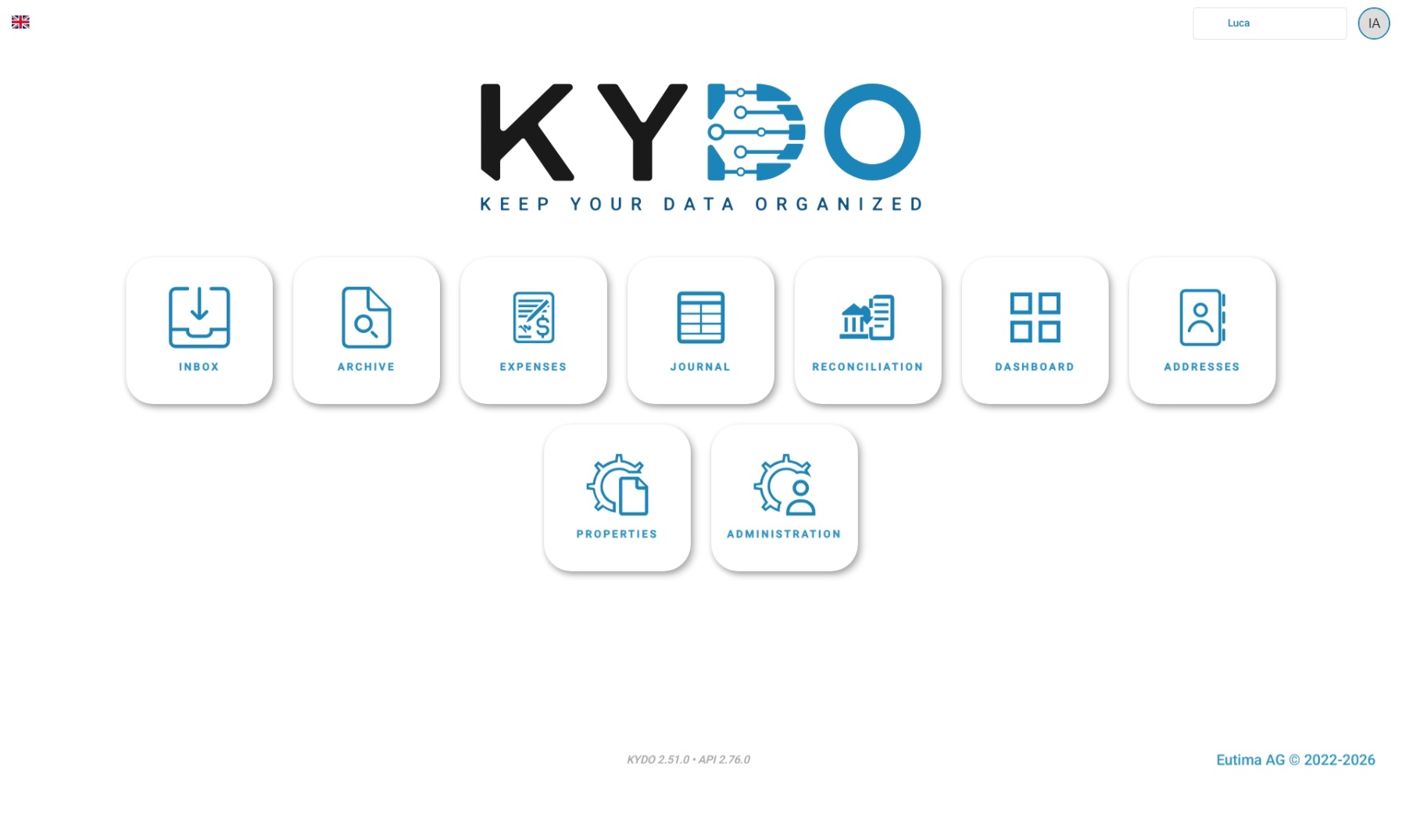
The Home Screen
After signing in, you see the KYDO home screen. It displays a set of module cards — click any card to open that section. The cards available to you depend on your user role and the tenant type configured by your administrator.
Navigating KYDO
You navigate KYDO using the cards on the home screen. Click a card to open the corresponding module. To return to the home screen at any time, click the KYDO logo in the top center of the page.
For details on each module, refer to the other articles in this Help Center.
For Administrators
If you are an administrator, the first thing to do after logging in is configure your document types. Document types define the structure of the documents your team will manage in KYDO.
For Standard Users
If you are not an administrator, KYDO should already be set up and ready to use. If document types are missing or the system does not seem configured, contact your administrator and ask them to set up the doc types.
For Resellers and Distributors
KYDO supports a multi-tenant architecture. If you are a reseller or distributor, you can create and manage sub-organisations from your account. A tenant switcher in the top-right corner lets you move between tenants without logging out.
Frequently Asked Questions
What is KYDO? KYDO is a cloud-based document management system (DMS) built for Swiss SMEs and fiduciary firms. It lets you archive, process, and approve documents digitally — developed and hosted in Switzerland.
Is there a free trial? Yes. KYDO offers a free trial on its stage instance with no costs and no commitment. Contact us at kydo.ch/kontakt to get access.
Is KYDO available on mobile? Yes. KYDO has a mobile app for scanning and uploading documents on the go. → See Mobile App
Where is my data hosted? KYDO is developed and hosted in Switzerland.
What languages does KYDO support? KYDO supports German, French, Italian, and English.